01
Reading · Settle into the right view
Read continuously, one page at a time or as facing pages; use Read mode and light or dark themes. Complex-file rendering still has documented fidelity gaps.
Source ↗Checked: 2026-10-14
Productivity
ALPHA · FREEBring order to reports, supporting files and everyday PDF reviews with XiKey™. XiPDF is a free Alpha built on the documented PdfCraft foundation for reading, searching, page organization and local document workflows. XiKey Arabic integration and signed updates are in progress; these source-backed capabilities are not a claim of a fully validated XiKey release.
Alpha is free today.
Explore the details
Read continuously, one page at a time or as facing pages; use Read mode and light or dark themes. Complex-file rendering still has documented fidelity gaps.
Source ↗Checked: 2026-10-14
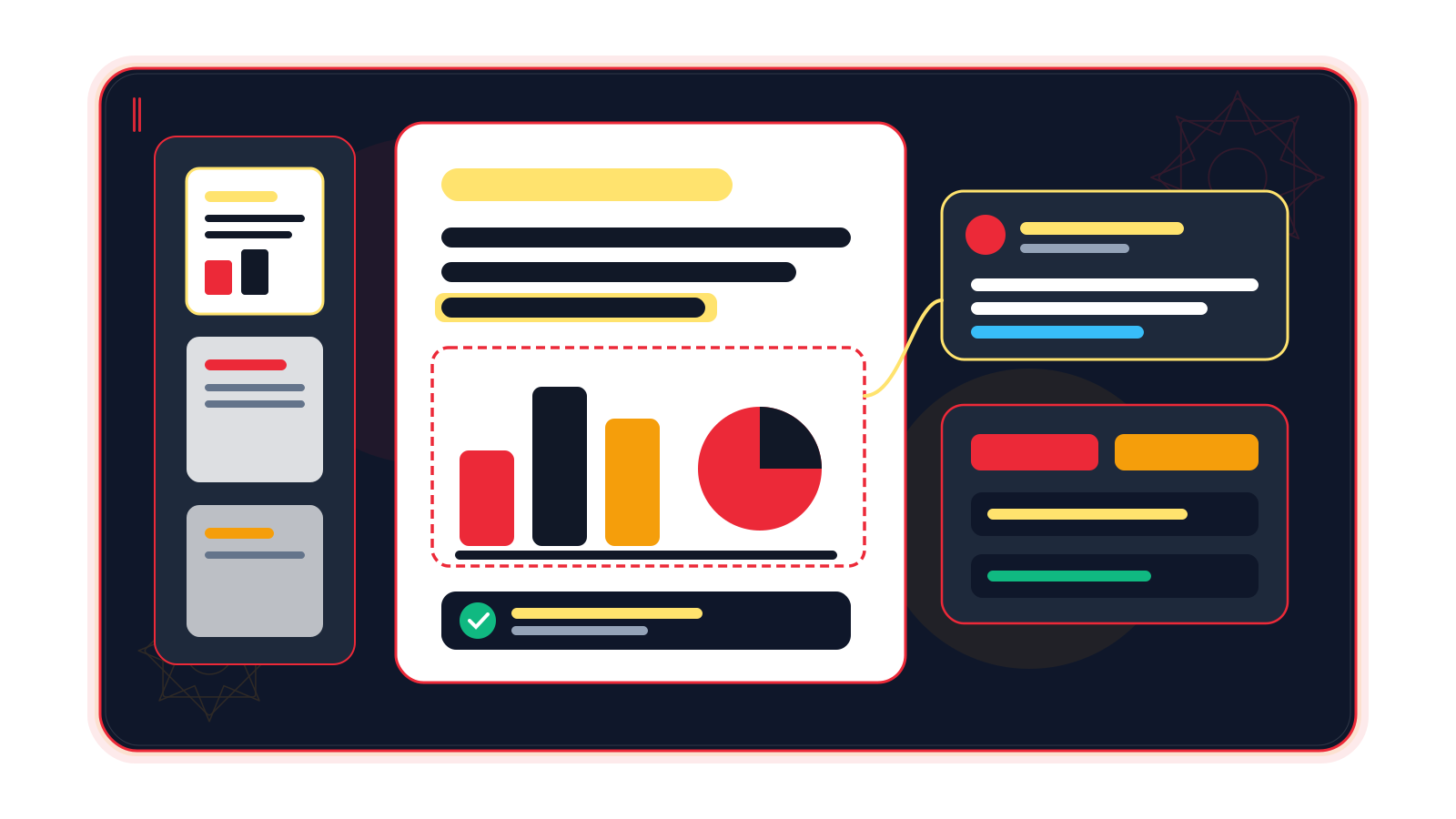
Search across the document and step through matches, then select and copy text in reading order instead of retyping it.
Source ↗Checked: 2026-10-14
Use thumbnails, page labels and nested bookmarks; filter bookmark titles without losing the surrounding hierarchy.
Source ↗Checked: 2026-10-14
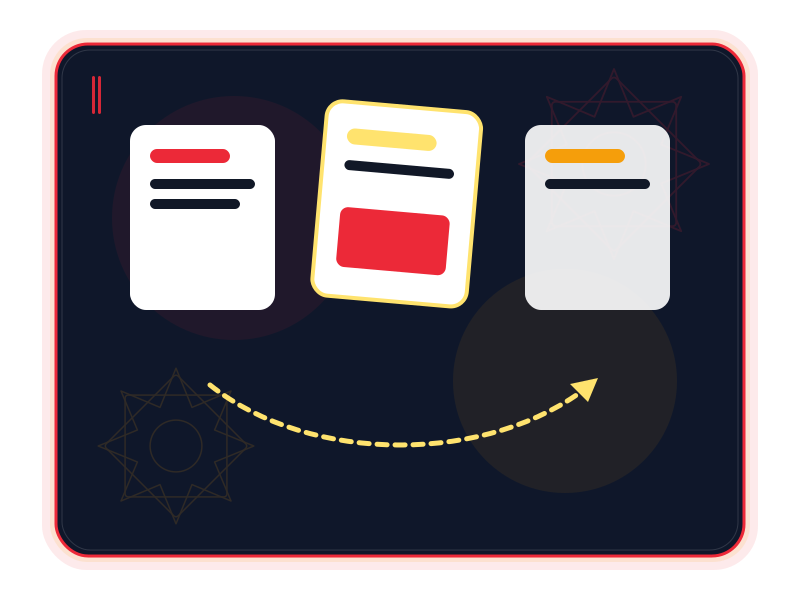
Rotate, move and delete pages, insert blank pages or bring pages in from another PDF, all from the page grid.
Source ↗Checked: 2026-10-14
Combine PDFs and retain source bookmarks, interactive fields, links, layers and attachments through the upstream merge workflow.
Source ↗Checked: 2026-10-14
Extract selected pages into a new file, or split a document every chosen number of pages or before specified pages.
Source ↗Checked: 2026-10-14
Undo and redo page edits, including after saving. Incremental, atomic saves and recovery support help preserve the document during revisions.
Source ↗Checked: 2026-10-14
Add review markup and replies, follow threaded comments, and exchange comments through FDF or XFDF.
Source ↗Checked: 2026-10-14
Work with existing AcroForm text, checkbox, radio and choice fields. Complex JavaScript actions and XFA behaviour have documented limits.
Source 1 ↗Source 2 ↗Checked: 2026-10-14
Open password-protected PDFs and honour their permissions; saved edits keep the document encrypted. Use authorized passwords.
Source ↗Checked: 2026-10-14
Inspect embedded fonts, page size and security, and edit the title, subject and keywords before handing the file over.
Source ↗Checked: 2026-10-14
The upstream CLI and opt-in MCP interface expose inspection, rendering, text extraction and page operations for repeatable local workflows.
Source ↗Checked: 2026-10-14
A useful PDF does more than hold pages. It gives a reader a route through the information: the right order, a clear appendix, a passage that can be found again. XiPDF brings that idea to the XiKey™ desktop family, drawing on PdfCraft’s documented tools for reading, organizing and reviewing documents.
XiPDF is Alpha and free today. The capabilities described here belong to the inspected upstream foundation; a completed, tested XiKey installer is not being promised for every platform. Arabic integration and signed updates remain in progress. Project status, checked 2026-10-14.
If your work involves reports, submission packs, supporting records or long reference files, the essential task is often arranging and checking what already exists. The PdfCraft foundation offers continuous and facing-page reading, document-wide search, thumbnails, page labels and nested bookmarks. You can rotate or move pages, remove an accidental duplicate, insert a missing page and split a packet into useful parts. Reading and assembly evidence, inspected 2026-10-14.
Review tools keep comments and replies beside the relevant page, with FDF and XFDF interchange. Existing interactive form fields can be filled; password-protected files retain their encryption when saved. These are documented tools, not a guarantee that every complex PDF will behave identically in every reader. Core workflow evidence.
A programme coordinator has the proposal, evaluation tables and field evidence in separate PDFs. Try combining them into one packet, arranging the pages around the reviewer’s questions and keeping the source bookmarks available. Extract a short selection for the initial review so the full evidence bundle need not travel with every discussion. The example uses the documented combine, bookmark and extract workflows; it does not promise funder compliance. Assembly tools.
A clinic is reviewing a set of existing consent forms. Explore the field values, inspect the document properties and add comments where a record needs follow-up, then save a working copy and reopen it. This illustrates form review and document organization; Alpha evaluation should use synthetic records or cleared samples, and does not establish clinical or records-management suitability. Forms and review.
A procurement team receives schedules and explanatory sheets from several departments. Reorder the appendix, rotate sideways pages and split a department-specific extract for checking. Page thumbnails and labels help the reviewer stay oriented; a final reopen check confirms that the output contains the intended pages. This is a document-preparation example, not a claim that an Alpha application meets a procurement standard. Page tools.
The upstream saves incrementally and writes atomically, with undo and recovery support. For repeated jobs, its CLI and opt-in MCP tools expose inspection, rendering, text extraction and page operations. A cautious workflow still keeps a source copy and verifies the result. Save and automation evidence.
The direction is an interface that welcomes Arabic and English users into the same workspace. In progress for XiPDF: Arabic interface integration, the one-click EN ⇄ ع switch, an Arabic font dialog grouped by style, and XiKey splash, About and message dialogs. PdfCraft already has an Arabic catalogue; that does not mean the XiKey live switch or complete mirrored layout has shipped here. The switch is already demonstrated in XiPhoto and awaits its port to XiPDF.
Planned: Classic and Modern layout choices, Retina scaling and sandboxed add-ons managed through XiLauncher. In progress: signed update delivery through XiLauncher. Installer, publishing and update integration still need completion. XiKey status and XiKey roadmap, checked 2026-10-14.
Reading and page assembly are useful starting points. Existing RTL/CJK text editing, OCR beyond unaccented Latin, Office import, conversion fidelity, accessibility tagging and print-production tools retain explicit upstream gaps. Test representative files rather than assuming parity with Acrobat; Arabic OCR and dependable Arabic text editing are not promised. Documented limitations.
Targets are Windows x64/ARM64, macOS and Linux, based on upstream platform support. XiKey package availability and minimum hardware requirements are not yet verified. The store’s policy is free Alpha, with paid subscriptions beginning at Beta. Upstream platforms, release state and store policy, checked 2026-10-14.
Source review: PdfCraft 0.7.1, commit 3f044b6263aa6605c3aa44ca6d065e1ab37d13b6, checked 2026-10-14. README, documentation, format and gap lists, and v0.7.1 release notes were reviewed. Format details distinguish document saving, exports and comment exchange.
XiPDF is based on PdfCraft by the ArtCraft team (MIT OR Apache-2.0).
XiKey is a trademark of Pioneer Local Development Co. Ltd.
In progress: Arabic interface integration and a one-click EN ⇄ ع switch. The live switch is shipped in XiPhoto; its port to this product is still underway.
In progress: a shared font dialog grouping Arabic faces by styles such as Naskh, Kufi and Diwani, with appropriate previews. Integration here is pending.
In progress: XiKey splash, About and message dialogs, including upstream credit and licences. These are not yet a verified integrated release of this product.
Planned: Classic and Modern layouts, Retina scaling and user-controlled interface scale.
Planned: installation and management of sandboxed add-ons through XiLauncher. No compatible add-on catalogue is promised for this Alpha.
In progress: signed update delivery through XiLauncher. Publishing and installer integration remain unfinished.
windows-x64windows-arm64macoslinux
pdfpngjpgtifftxtfdfxfdf
A plan for your work
Beta pricing preview
XiPDF is based on PdfCraft by the ArtCraft team (MIT OR Apache-2.0).
View upstream repository ↗MIT OR Apache-2.0 · 0.7.1 @ 3f044b6263aa6605c3aa44ca6d065e1ab37d13b6 · 2026-10-14
Then $29.00 / year
Save $12.88 versus 12 regular monthly payments
First month: $0.99; then $3.49 / month
All updates included while subscribed, delivered and verified through XiLauncher.
Alpha is free today. The store policy starts paid subscriptions from Beta; these are separate from upstream licensing. XiKey pricing: /store/, checked 2026-10-14.
The list describes capabilities documented in PdfCraft 0.7.1 at the recorded commit. It does not certify an integrated XiKey installer or every PDF; XiPDF remains Alpha and release integration is unfinished. Sources: upstream evidence links and XiKey status (/products/xipdf/).
Evaluate your files first. Existing RTL/CJK text editing, multilingual OCR, Office conversion fidelity, accessibility tagging and print-production tools remain important upstream gaps. Source: https://github.com/storytold/pdfcraft/blob/3f044b6263aa6605c3aa44ca6d065e1ab37d13b6/docs/gaps.md, checked 2026-10-14.
PDF is the document format. The save list also covers documented image/text export and comment exchange; it does not mean arbitrary files open as editable PDFs. Source: https://github.com/storytold/pdfcraft/blob/3f044b6263aa6605c3aa44ca6d065e1ab37d13b6/docs/file-format-parity.md, checked 2026-10-14.
Compare
Explore a fair comparison, including where the other product is stronger.
ALPHA · FREE · Checked: 2026-10-14
Official pricing: $19.99 / month · Acrobat Pro individual — annual commitment, billed monthly; US list price. Adobe states a fee of up to half the remaining annual commitment for cancellation after 14 days. · Region: US · 2026-10-14 Source ↗
| Topic | XiPDF | Adobe Acrobat Pro |
|---|---|---|
| Price and stage Source 1 ↗Source 2 ↗ | Alpha is free today; paid plans start at Beta. XiKey release integration is unfinished. | Paid Acrobat Pro subscription: US$19.99/month with an annual commitment. Acrobat Reader is a separate free viewer. |
| Reading and page assembly Source 1 ↗Source 2 ↗ | PdfCraft foundation covers reading, search, bookmarks, page organization, PDF combining and splitting; XiKey validation remains Alpha. | Acrobat Pro provides PDF viewing, page organization, combining and editing tools. |
| Editing existing text Source 1 ↗Source 2 ↗ | Latin editing is documented upstream, but existing RTL/CJK text, subset fonts and layout preservation retain important gaps. | Acrobat offers editing of text, images, links and formatting in PDFs. |
| Review and sharing Source 1 ↗Source 2 ↗ | Local markup, replies and FDF/XFDF exchange are documented. An Acrobat-style hosted review service is not verified for XiKey. | Share links with access settings and collect comments in a hosted review workflow. |
| Forms and signatures Source 1 ↗Source 2 ↗Source 3 ↗ | The upstream supports filling forms and local signing, with gaps in hardware tokens, online revocation and timestamp-server workflows. | Acrobat Pro includes form filling, signing, signature requests and response tracking. |
| OCR and Office conversion Source 1 ↗Source 2 ↗Source 3 ↗Source 4 ↗ | Upstream OCR is limited to unaccented Latin; Office import is absent and Office export fidelity is partial. Arabic OCR is not promised. | Acrobat Pro turns scans into editable PDFs and exports to Word, Excel and PowerPoint. |