01
See your tools together
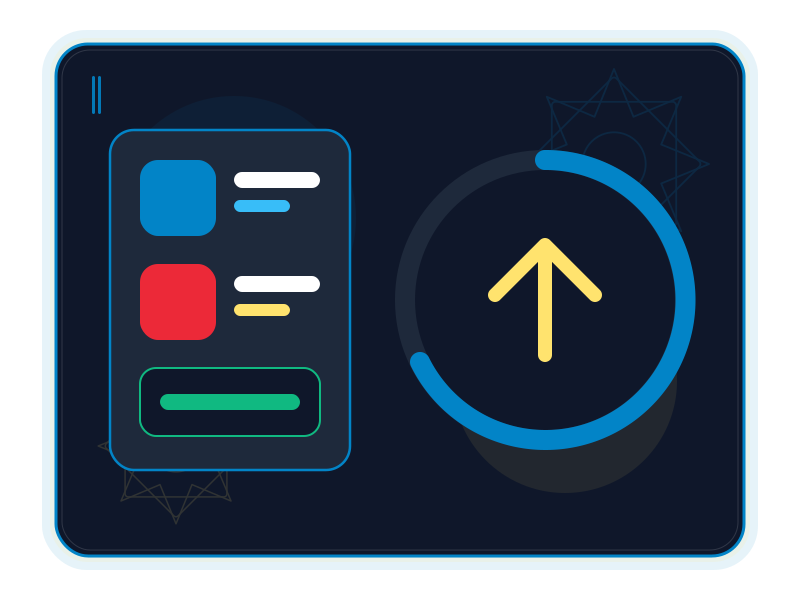
Browse app cards or a compact table showing app status, installed version and latest release.
Source ↗Checked: 2026-10-14
Platform
ALPHA · FREEXiLauncher is the free home planned for installing, opening and updating XiKey Desktop apps. Its inspected ArtCraft Launcher foundation already manages upstream releases; the XiKey catalog, Arabic experience and signed update service are still being connected.
Alpha is free today.
Explore the details
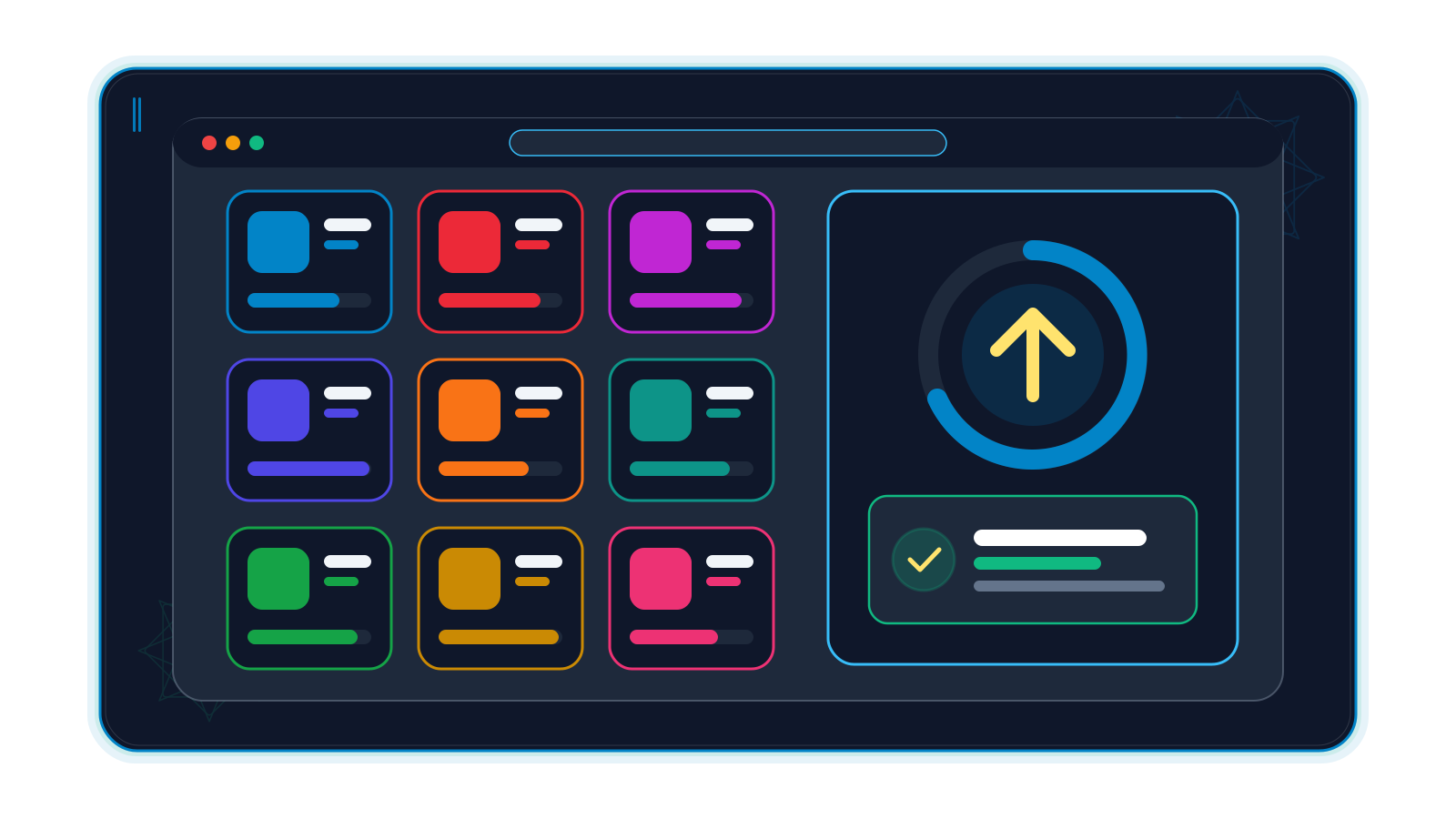
Browse app cards or a compact table showing app status, installed version and latest release.
Source ↗Checked: 2026-10-14
Filter installed apps and pending updates, search the catalog and sort the list to focus your maintenance session.
Source ↗Checked: 2026-10-14
App details display published release notes and changelog links so you can review a release first.
Source 1 ↗Source 2 ↗Checked: 2026-10-14

The upstream launcher selects a release asset by operating system and CPU, with installer and portable package choices where available.
Source ↗Checked: 2026-10-14
SHA-256 verification checks downloaded bytes against the published checksum before installation. This is distinct from XiKey signature verification.
Source ↗Checked: 2026-10-14
Installation detection finds supported apps already on the machine and reports their versions.
Source ↗Checked: 2026-10-14
Release checks and optional notifications identify newer upstream app versions; update actions use the installed package format.
Source ↗Checked: 2026-10-14
The native installer refuses to replace a running app and asks you to close it first.
Source ↗Checked: 2026-10-14
The desktop app can launch tools from its window or system tray/menu bar; Linux tray support depends on the desktop environment.
Source 1 ↗Source 2 ↗Checked: 2026-10-14
Upstream Update and restart replaces the launcher using its installation format and then reopens it.
Source ↗Checked: 2026-10-14
The upstream browser catalog offers platform-appropriate download links; it cannot install applications inside the browser.
Source ↗Checked: 2026-10-14
Your tools should be easy to find when an idea arrives. XiLauncher is the free center planned for the XiKey Desktop family: a place to see apps, open the ones you use and review updates. Its ArtCraft Launcher foundation already handles upstream release discovery, package selection and installation. Connecting that engine to the XiKey catalog and signed update channel is still underway; this page does not announce a finished XiKey distribution service. Foundation, XiKey state.
XiLauncher is for people who use several creative or productivity apps and want one starting point. A compact table helps with maintenance; app cards make browsing more approachable. It manages applications, not the documents you create in them, and it is not yet a verified fleet deployment or licensing platform. Catalog and views.
Before a training session, use the launcher concept to check which visual and document tools a lab workstation has installed. Review versions and open the needed applications. Keep this as an evaluation workflow on approved equipment; XiLauncher does not itself assess medical material or manage institutional deployment policy.
Give the studio a starting window for the illustration, photo and page tools used to document textile work. Choose the application first, then open the relevant project inside that application. The launcher does not provide a shared project library or synchronize the studio's files.
Help participants locate installed audio, image and document tools before a workshop starts. Review the published notes for an upstream update, close an app before replacement, and open the tool needed for the next exercise. The launcher supplies app management rather than audio editing or scheduling.
These are proposed evaluation scenarios using the inspected upstream management engine, not claims of deployments already completed. Installed-app detection, launching.
Discover. Browse the cards or table, filter installed tools and look at the installed and latest versions. Read release notes before choosing an update. Release-note display.
Install carefully. The upstream engine chooses an asset for the operating system and processor. It checks downloaded bytes against the published SHA-256 and refuses to replace a running app. A matching checksum detects a mismatched download; it does not establish XiKey publisher-signature verification. Package selection, download checks, installation guard.
Return to your work. Open an installed app from the launcher window or tray. Upstream can also update the launcher itself and restart it. The browser catalog only links to downloads; native installation needs the desktop app. Self-update, browser limits.
Arabic interface and the one-click EN ⇄ ع switch are in progress in XiLauncher. The shared Arabic-style font dialog and XiKey splash, About and message dialogs are also in progress. Signed XiKey updates are under development; retargeting the app catalog and feed remains unfinished.
XiKey Classic/Modern layouts, Retina scaling and sandboxed add-on management through XiLauncher are planned. Their inclusion in the roadmap is not a claim that an add-on store or signed update service is available today. These states come from the XiKey status and XiKey roadmap, read on 14 October 2026.
The XiKey store lists XiLauncher as free. Alpha access for other XiKey apps is free today; their subscriptions start from Beta under separate prices. The inspected upstream launcher is itself early Alpha, and XiKey distribution still needs integration and release verification. This audit ran no app, installer or update tests. Use the product availability information for an actual release before planning a rollout.
ArtCraft Launcher 0.4.1, commit cbae640688c5fa3daa120a7f5e050f8e24148a47, checked 2026-10-14. Read: README, docs directory (screenshots and brand licence; no prose feature manual there), relevant core/native/UI source, packaging/web documentation and v0.4.1 release notes. Upstream platform minima and package options are in README downloads. XiKey packages and hardware minima are not validated by this audit. XiLauncher opens and saves no creative project formats.
XiLauncher is based on ArtCraft Launcher by the ArtCraft team (MIT OR Apache-2.0).
XiKey is a trademark of Pioneer Local Development Co. Ltd.
Arabic interface and a one-click EN ⇄ ع switch are being integrated; this is not a completed XiLauncher feature.
An Arabic-style font dialog is being developed as a shared component; integration in this product remains unfinished.
XiKey splash, About, welcome and message dialogs are being integrated into the launcher.
XiKey Classic/Modern layout presets and Retina scaling are planned; upstream themes do not establish completion of these XiKey presets.
Sandboxed add-on distribution and management through XiLauncher are planned. Existing upstream plug-in support is a different capability.
Signed XiKey updates through XiLauncher are in progress. Upstream SHA-256 download checks are not proof of a completed XiKey signing service.
windows-x64windows-arm64macoslinux
Details coming soon
Details coming soon
A plan for your work
Beta pricing preview
XiLauncher is based on ArtCraft Launcher by the ArtCraft team (MIT OR Apache-2.0).
View upstream repository ↗MIT OR Apache-2.0 · 0.4.1 @ cbae640688c5fa3daa120a7f5e050f8e24148a47 · 2026-10-14
All updates included while subscribed, delivered and verified through XiLauncher.
No. The XiKey pricing registry lists XiLauncher as free, including the planned store, update and add-on manager. Other apps follow their own Alpha/Beta pricing.
No. It manages apps rather than opening or saving their project files. Its file-format lists are intentionally empty; installer packages are not creative document formats.
The inspected upstream update engine is implemented. Retargeting the XiKey catalog/feed and signed update distribution is still in progress, and public XiKey installers are not verified by this content audit.
The upstream web catalog only links to downloads. Native installation is performed by the desktop launcher, subject to system permissions and package availability.
Compare
Explore a fair comparison, including where the other product is stronger.
Verified comparisons are being prepared. We publish sources and dates, and acknowledge where the other product is stronger.