01
Keep the deck visually coherent
Use original themes, font and colour schemes, slide masters and inherited layouts to carry one visual language across a deck.
Source ↗Checked: 2026-10-14
Productivity
ALPHA · FREEXiSlides is the planned XiKey™ presentation app, based on DeckCraft. Its checked upstream foundation supports themed decks, editable shapes, animation and PPTX exchange; Arabic integration is in progress, and no XiKey installer for this product is released yet.
Alpha is free today.
Explore the details
Use original themes, font and colour schemes, slide masters and inherited layouts to carry one visual language across a deck.
Source ↗Checked: 2026-10-14
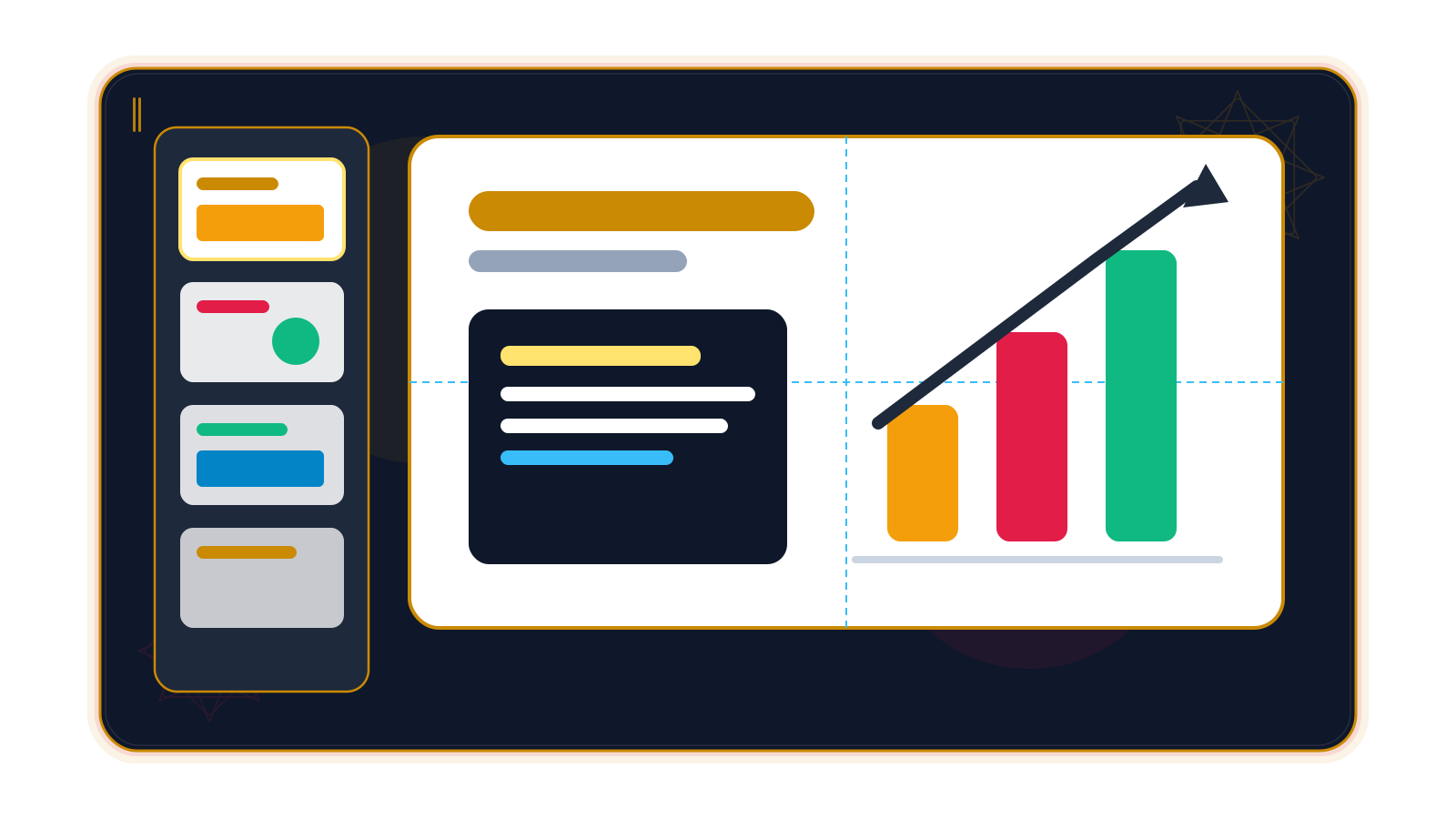
Arrange slides into sections, reorder them in Slide Sorter, add speaker notes and choose a custom slide size.
Source ↗Checked: 2026-10-14
Build diagrams with preset shapes and attached connectors, or draw freeform paths and combine shapes with union, intersect or subtract operations.
Source ↗Checked: 2026-10-14
Style shapes with gradient, picture and pattern fills, dashed outlines, arrowheads, shadows and glow.
Source ↗Checked: 2026-10-14
Edit text in place with font and paragraph formatting, bullets, numbering, columns, autofit and hyperlinks.
Source ↗Checked: 2026-10-14
Insert pictures, crop to the useful area and apply picture corrections. SVG picture support has documented gaps.
Source ↗Checked: 2026-10-14
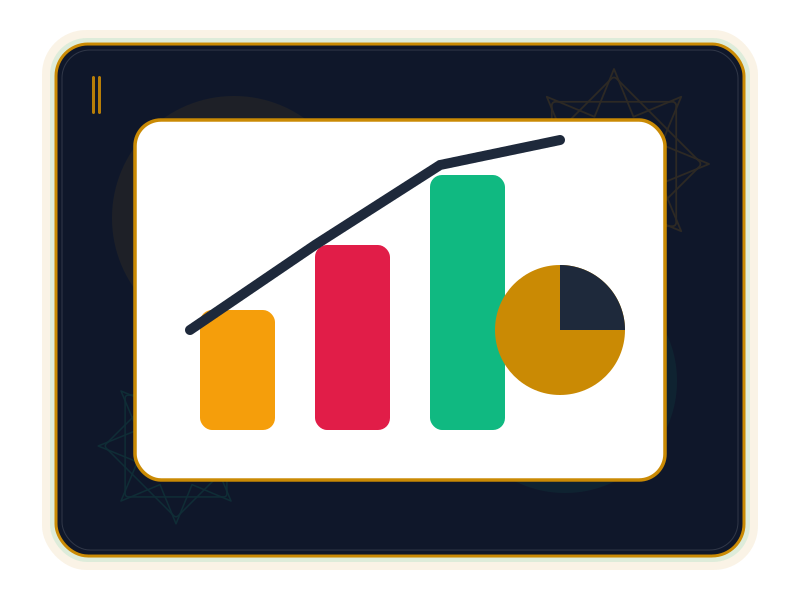
Add styled tables and charts for comparisons. Chart editing is still limited, and SmartArt is not a full editable diagram system.
Source ↗Checked: 2026-10-14
Choose transitions including Morph, set duration and click or timed advance, and apply the choice across slides.
Source ↗Checked: 2026-10-14
Use entrance, emphasis, exit and motion-path effects, including paragraph builds. Effect breadth and preview remain limited in Alpha.
Source ↗Checked: 2026-10-14
Run a full-screen show, use a separate presenter view with notes and a next-slide preview, and rehearse timings. Automatic projector/display placement is not yet implemented.
Source ↗Checked: 2026-10-14
Open and save PPTX; export PDF slides, notes or handouts and PNG/JPEG slide images. PDF includes selectable text but rasterizes slide artwork; complex PPTX fidelity needs validation.
Source ↗Checked: 2026-10-14
The upstream CLI, JSON channel and MCP server expose editing commands with undo, giving scripts and assistants a repeatable workflow.
Source ↗Checked: 2026-10-14
A presentation can make a complicated subject feel approachable: one diagram establishes the relationship, one image gives context, and one well-paced reveal keeps everyone looking at the same point. XiSlides is the planned XiKey™ app for building that sequence, with Arabic and English workflows in development.
XiSlides is not released. This page describes its checked DeckCraft foundation, version 0.6.1 at commit 457406a7a5b62425e915926c8ccb0984e61a198c, reviewed on 14 October 2026. Upstream functionality does not establish the availability of a XiKey installer. XiKey status still places this app in the planned Alpha stage.
XiSlides is aimed at presenters who want a coherent visual story without having to rebuild every slide. The upstream supports original themes, slide masters and inherited layouts, editable shapes and connectors, pictures, formatted text, tables, charts and a full-screen show. It also has notes, sections and a Slide Sorter for organizing a deck. Checked upstream capabilities
That foundation is early. Advanced chart editing and SmartArt are limited, and complex PowerPoint decks may lose unsupported details during editing and saving. Keep an established workflow for presentations that depend on those features, and evaluate copies of real decks before trusting interchange. Known gaps · PPTX fidelity
These are suggested evaluation projects, not installed templates or proof of a released XiKey app.
Create an orientation deck that explains the workshop agenda, participant feedback process and local contact roles. A consistent master keeps headings recognizable, while a simple diagram shows where a question should go. Presenter notes can hold facilitator prompts without crowding the slides. The example is about communicating the workshop, not generating medical advice. Masters and themes · Shapes and notes
Arrange field photographs, observation priorities and a route discussion into sections. Crop each photo around the detail the team needs to inspect, then reveal comparison points one at a time. Rehearse the timings and check the actual projector arrangement: the upstream presenter window does not automatically choose the correct display. Picture tools · Animation foundation · Presenter-view limits
Put material photographs beside editable shape diagrams and a small comparison table. Use recurring layouts so reviewers can compare concepts in the same position on each slide. Export a PDF takeaway after checking it; slide artwork is rasterized, even though the PDF includes selectable text. This is a presentation workflow, not a substitute for a CAD model or production drawing. Shapes and tables · PDF output
For recurring decks, the upstream CLI, JSON channel and MCP server expose editing commands with undo. They offer a basis for repeatable automation, without proving compatibility with Office add-ins or VBA. Automation · Ecosystem gaps
For XiSlides, an Arabic interface and live one-click EN ⇄ ع switch are in progress; the verified pilot lives in XiPhoto. A font dialog grouped by Arabic style, and XiKey splash, About and message dialogs are also in progress. Office text tools for kashida, tashkeel, Arabic digit styles and Hijri dates are being developed, and have not been integrated here.
Classic and Modern layouts, Retina scaling and sandboxed add-ons through XiLauncher are planned. Signed update delivery through XiLauncher is in progress; published installers and this product's release channel are pending. These states follow XiKey status, checked on 14 October 2026. Arabic output should be tested, not assumed complete.
XiSlides is registered as planned/unreleased in the Alpha stage. Alpha is free under the XiKey store policy. From Beta, XiOffice combines XiWrite, XiSheet and XiSlides at US$29/year or US$3.49/month before tax. There is no individual XiSlides price in the registry. These are future bundle prices, not a purchase offer for a released app; pricing checked on 14 October 2026.
XiSlides is based on DeckCraft by the ArtCraft team (MIT OR Apache-2.0). Upstream licences and credit
XiKey is a trademark of Pioneer Local Development Co. Ltd.
An Arabic interface and a live, one-click EN ⇄ ع switch are in progress for this app; the verified pilot is XiPhoto. (XiKey status as of 2026-10-14: /products/xislides/)
An Arabic font dialog grouped by styles such as Naskh and Kufi is in progress; it is not yet integrated here. (XiKey status as of 2026-10-14: /products/xislides/)
XiKey splash, About and message dialogs are in progress as shared components; product integration is pending. (XiKey status as of 2026-10-14: /products/xislides/)
Kashida, tashkeel tools, Arabic digit styles and Hijri dates are in progress for the office apps. These are roadmap features, not current controls. (XiKey status as of 2026-10-14: /products/xislides/)
Classic and Modern layouts and Retina scaling are planned. (XiKey status as of 2026-10-14: /products/xislides/)
Sandboxed add-ons managed by XiLauncher are planned; no add-on catalog for this product is available yet. (XiKey status as of 2026-10-14: /products/xislides/)
Signed update delivery through XiLauncher is in progress. Published XiKey installers and the release channel are still pending. (XiKey status as of 2026-10-14: /products/xislides/)
pptxdeckcraft (upstream native)txt (outline import)md (outline import)
pptxdeckcraft (upstream native)pdf (export)png (export)jpeg (export)txt (outline export)
A plan for your work
Beta pricing preview
Available through the XiOffice bundle ↗XiSlides is based on DeckCraft by the ArtCraft team (MIT OR Apache-2.0).
View upstream repository ↗MIT OR Apache-2.0 · 0.6.1 (default-branch commit 457406a7a5b62425e915926c8ccb0984e61a198c; latest release reviewed: v0.6.1) · 2026-10-14
XiSlides is listed as planned/unreleased, in the Alpha stage. The capabilities here describe the checked DeckCraft source, not a verified XiKey download. The Alpha launch policy is free (XiKey status and pricing as of 2026-10-14: /products/xislides/; /store/).
That is not guaranteed. Advanced charts, SmartArt, embedded fonts and review/media details have documented gaps. Test a copy, reopen the saved PPTX and inspect every slide: https://github.com/storytold/deckcraft/blob/457406a7a5b62425e915926c8ccb0984e61a198c/docs/file-format-parity.md.
The checked upstream supports rehearsal timings and slide-show playback, but not narrated slide-show recording or video export: https://github.com/storytold/deckcraft/blob/457406a7a5b62425e915926c8ccb0984e61a198c/docs/slideshow-parity.md.
Alpha is free. Beta pricing puts XiSlides in XiOffice with XiWrite and XiSheet at US$29/year or US$3.49/month before tax; the registry has no individual XiSlides price (XiKey pricing: /store/, checked 2026-10-14).
Compare
Explore a fair comparison, including where the other product is stronger.
ALPHA · FREE · Checked: 2026-10-14
Official pricing: $99.99 / year · Microsoft 365 Personal — US consumer subscription for one person; includes Word, Excel, PowerPoint and other apps, not a standalone app price; annual billing, tax may apply · Region: US · 2026-10-14 Source ↗
| Topic | XiSlides | Microsoft PowerPoint |
|---|---|---|
| Price and availability Source 1 ↗Source 2 ↗ | Planned/unreleased Alpha. Alpha policy is free; Beta XiOffice is listed at US$29/year for XiWrite, XiSheet and XiSlides, before tax. | US$99.99/year buys Microsoft 365 Personal for one person with multiple apps and cloud storage, not PowerPoint alone. |
| File exchange Source 1 ↗Source 2 ↗ | Upstream reads/writes PPTX with known limits; advanced chart, SmartArt, comment and media details may change on save. | PowerPoint saves PPTX and supports OpenDocument presentations; availability of older formats varies by version. |
| Recording and video Source 1 ↗Source 2 ↗ | Upstream has rehearsed timings and slide-show playback, but narrated show recording and video export are documented gaps. | Desktop PowerPoint can record narration, ink and presenter video, then save the presentation as a video. |
| Review together Source 1 ↗Source 2 ↗ | Upstream has local comments; no verified XiKey real-time co-authoring. Modern comment threads have round-trip limits. | PowerPoint supports shared co-authoring when Office files are stored on supported cloud services. |
| Arabic and direction Source 1 ↗Source 2 ↗ | Arabic interface, live EN ⇄ ع, Arabic font styles and office text tools are in progress; a complete Arabic output workflow is not verified. | Office documents right-to-left languages and paragraph-direction controls after the language is enabled. |
| Automation and add-ins Source 1 ↗Source 2 ↗Source 3 ↗ | Upstream offers CLI/MCP editing commands. There is no verified VBA/add-in compatibility; sandboxed XiLauncher add-ons are planned. | PowerPoint has a documented VBA object model for automating presentation objects. |